Imagine a world where nothing is in motion—characters caught in the act without the blink of an eye, caught in amber. Video games would be like still-life paintings without animation. What brings them to life? Time.
Movement in games is more than just making things look cool — it’s what makes a game feel tangible and responsive. From fluid combat sequences to expressive character gestures, animation is a key pillar of game design. But how does it work?
That’s what we’re going to explore today: the art of video game animation. What it’s all about, some of its challenges, as well as its strengths and weaknesses. Whether you’re a game developer, an artist, or just a fan of dynamic visuals, we’ll dig into what makes animation such a game-changing craft. Hop on. This is going to be a fantastic ride with expert game developers!
2D vs. 3D animation basics
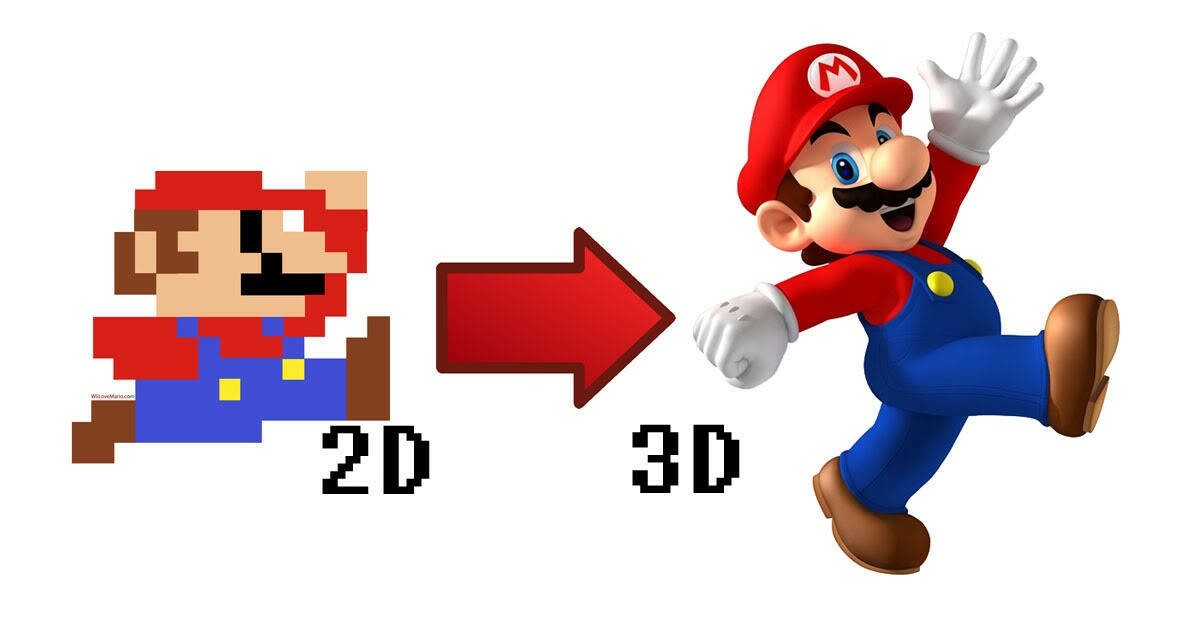
Imagine a simple square that is drawn on paper. It remains motionless, inert. A shape that has width and height but zero depth. But what if that square just jumps around the page, expanding and contracting as it goes? It’s still the same flat, 2D thing, but now it has energy, personality, and motion.
This is the heart of 2D video game animation: adding movement to the flat graphics. Whether a heroic pixelated warrior swings a sword or a cartoon figure dashing across the screen, 2D animation retains the central qualities of its flat world, turning motion into a creative tool for depth and emotion.
Setting a 2D game in motion is not just a matter of drawing your characters. Movement in the virtual world is an illusion, and that illusion is built through a technique called sequencing. Picture an artist drawing a character mid-leap. But one drawing doesn’t do it. In order for that leap to register as real, they need to slice it apart into single frames, each one representing a minuscule change in motion.
It all begins with game design—figuring out how characters and objects will move. Then comes the animation concept, a kind of style guide where artists lay out the feel, flow, and style of the movement. Then, they generate frames of a series of unique images, each slightly different from the previous one, creating a seamless action sequence.
Here’s the challenge in creating animated video games: a single second of smooth animation takes 24 frames! In classic 2D animation, a new drawing appears every other frame, so an artist has to create dozens—sometimes hundreds—of images just to animate the simplest movements. Longer animation with greater detail requires more frames to maintain smooth motion.
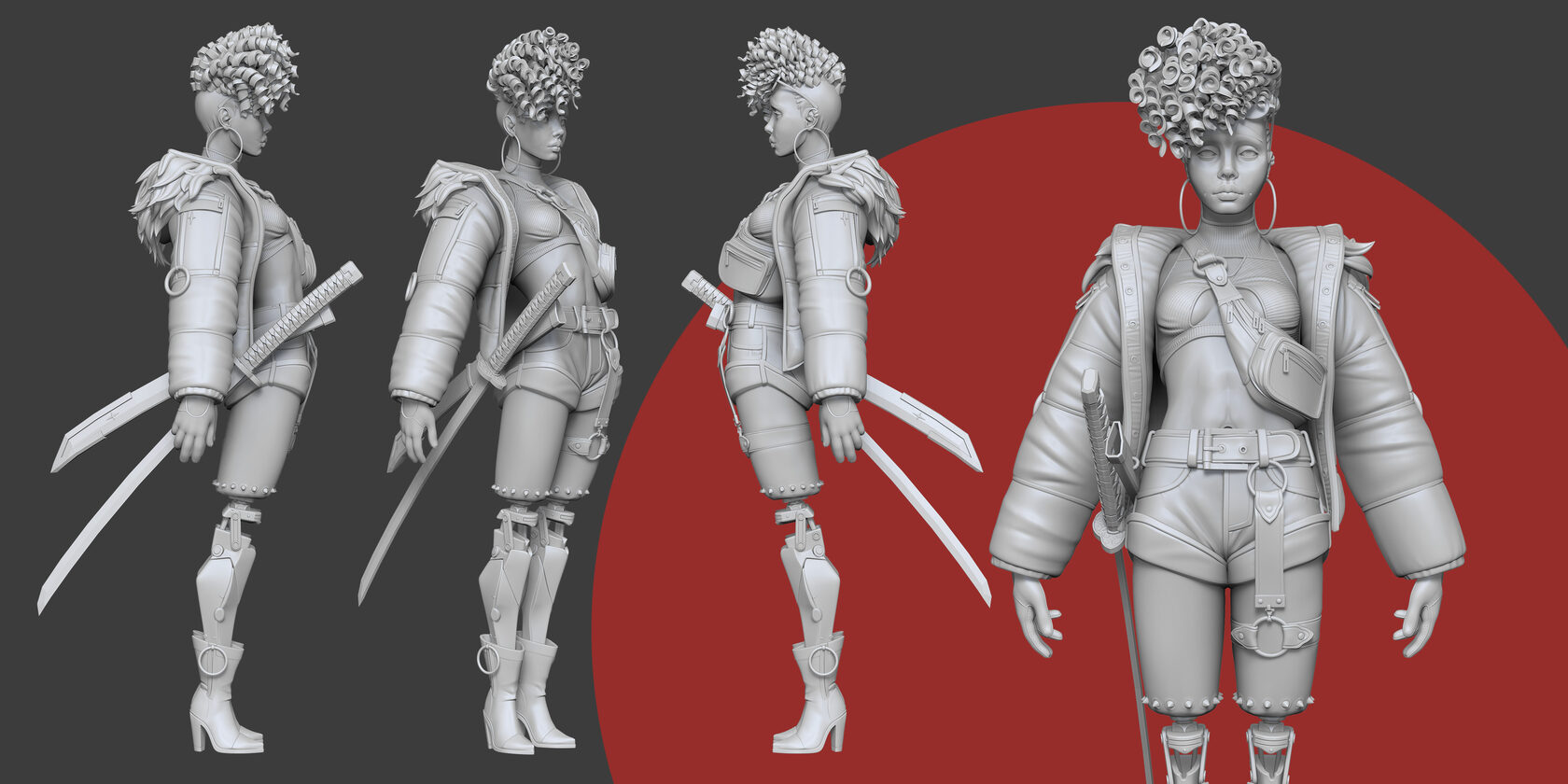
WHY CHOOSE 2D OR 3D ANIMATION? KEY BENEFITS OF EACH
n the gaming and movie industry alone, thousands of high-quality 2D/3D models and animations are created daily. We don’t have exact numbers on popularity or even the ratio of competition between two-dimensional and three-dimensional video game animation, but we can still analyze the advantages of each.
Price
On the surface, 2D should be the more budget-friendly option. After all, complex 3D modeling, physics simulations, or high-end rendering software are not required. But there’s a caveat — 2D animation is often completely hand-done. Each frame has to be drawn, polished, and sequenced, so it’s a lengthy and painstaking process.
On the other hand, 3D animation has a secret weapon: reusability. Once a 3D model is constructed, there’s no need to draw it again for each frame. Animators may modify existing assets, reuse motion-captured sequences, and employ formless animations to save money and effort.
Demand
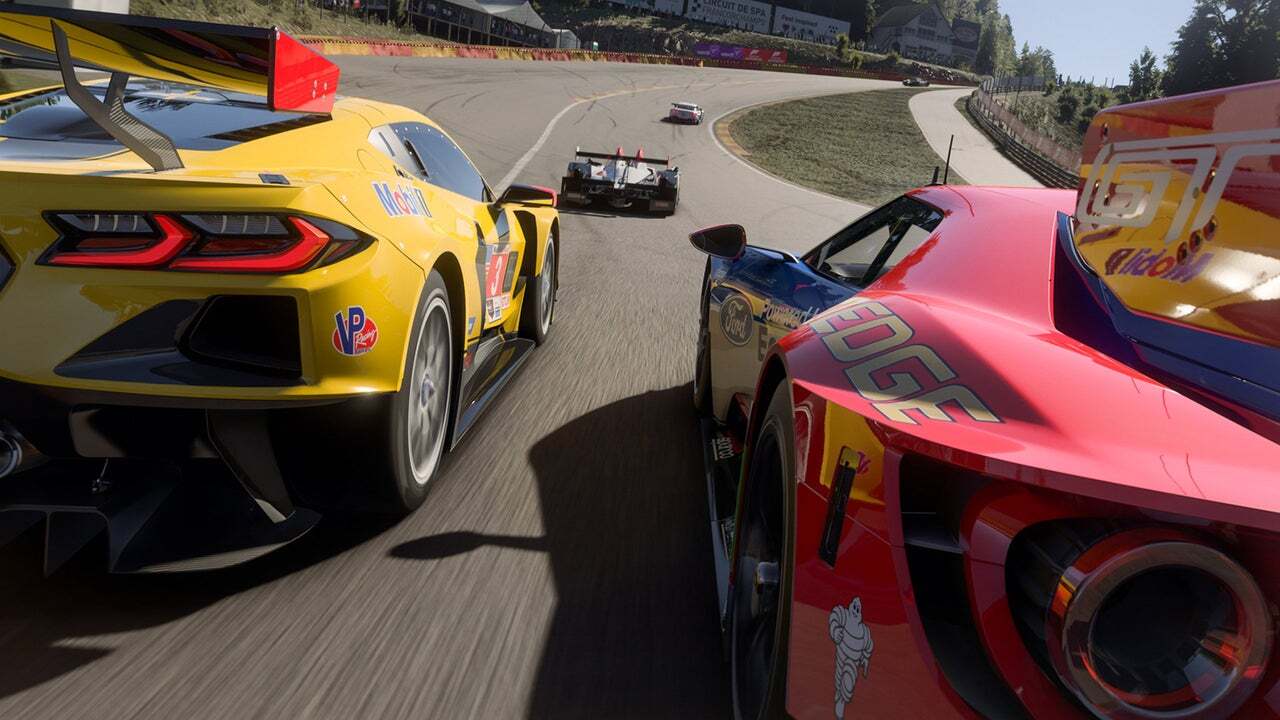
Forecasting the future of animation isn’t a science, and a lot can change between now and then, but industry trends provide a sound idea of what’s to come. If we take a step back and consider the big picture—from video games to cinematography, VR, and digital marketing—it’s apparent that 3D animation is the talk of the town. You have everything from blockbuster games such as Cyberpunk 2077 to lifelike VR experiences and high-end commercial presentations. 3D dominates when realism and depth matter.
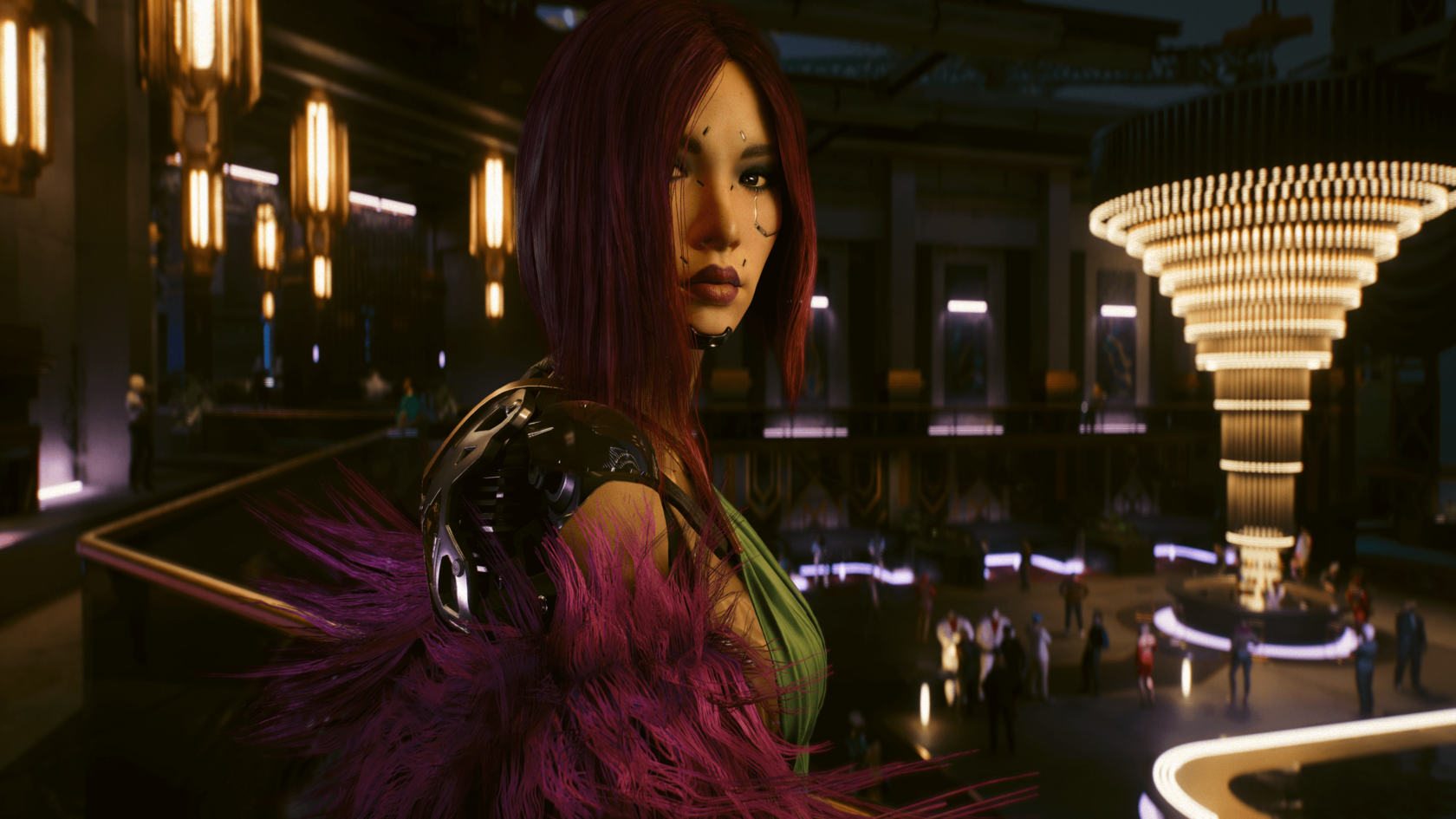
CGI ANIMATION VS. IN-GAME ANIMATION
In terms of game design, animation also can be divided into two categories: CGI (computer-generated imagery) and in-game animation (made using the game engine). The first one feels more like a movie, while the second one is less refined due to the restrictions of the chosen engine. However, with the latest advancements in game engines, this may no longer be the case in the future.
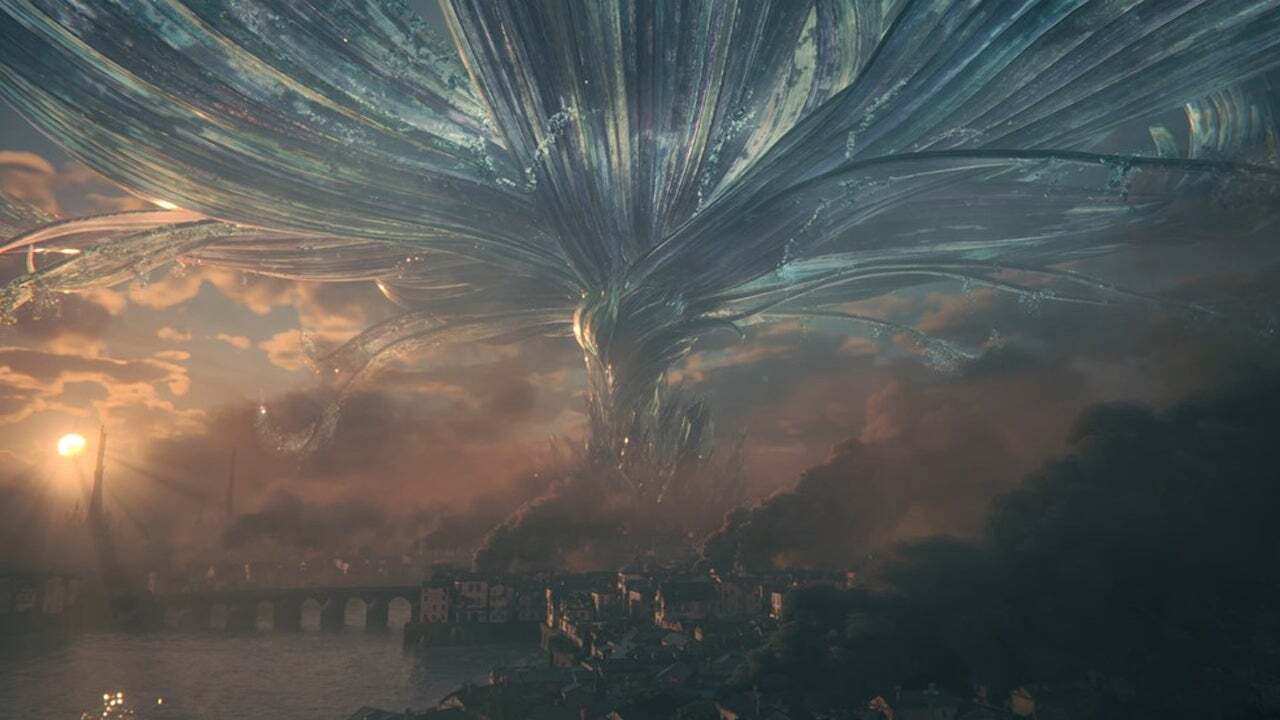
At their core, CGI animation and in-game animation follow the same principles, but they serve very different purposes. CGI is pre-rendered, meaning every scene is meticulously crafted before the player sees it. Let’s recall a breathtaking cutscene in Final Fantasy XVI or a hyper-detailed cinematic sequence in The Last of Us Part II. The lighting, angles, and compositions are all planned out in advance, ensuring a polished, cinematic look. Many of the most visually impressive video games animated with CGI rely on this technique to deliver cinematic cutscenes that feel like high-budget films.
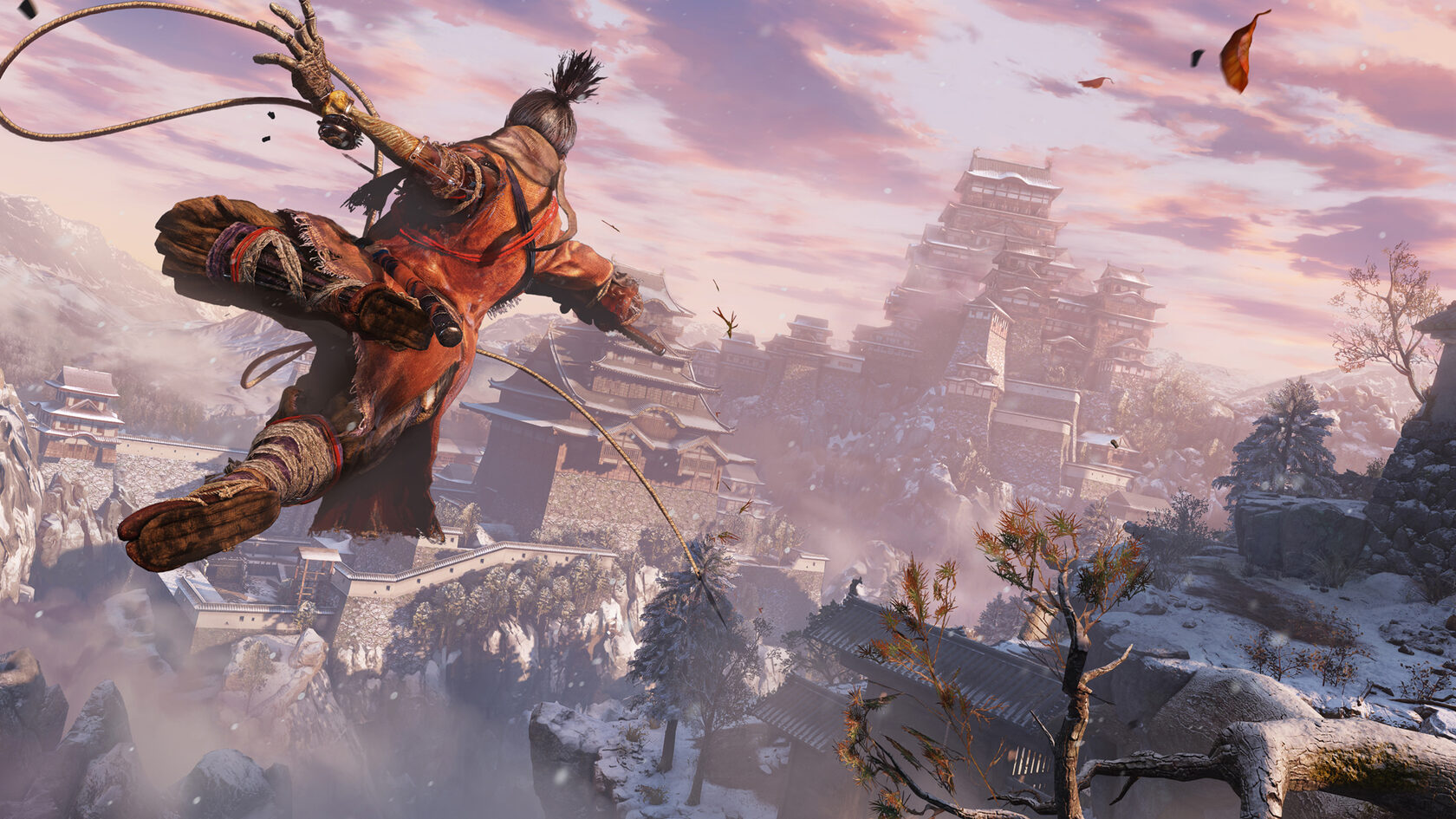
ANIMATION COMPLEXITY ACROSS DIFFERENT GENRES
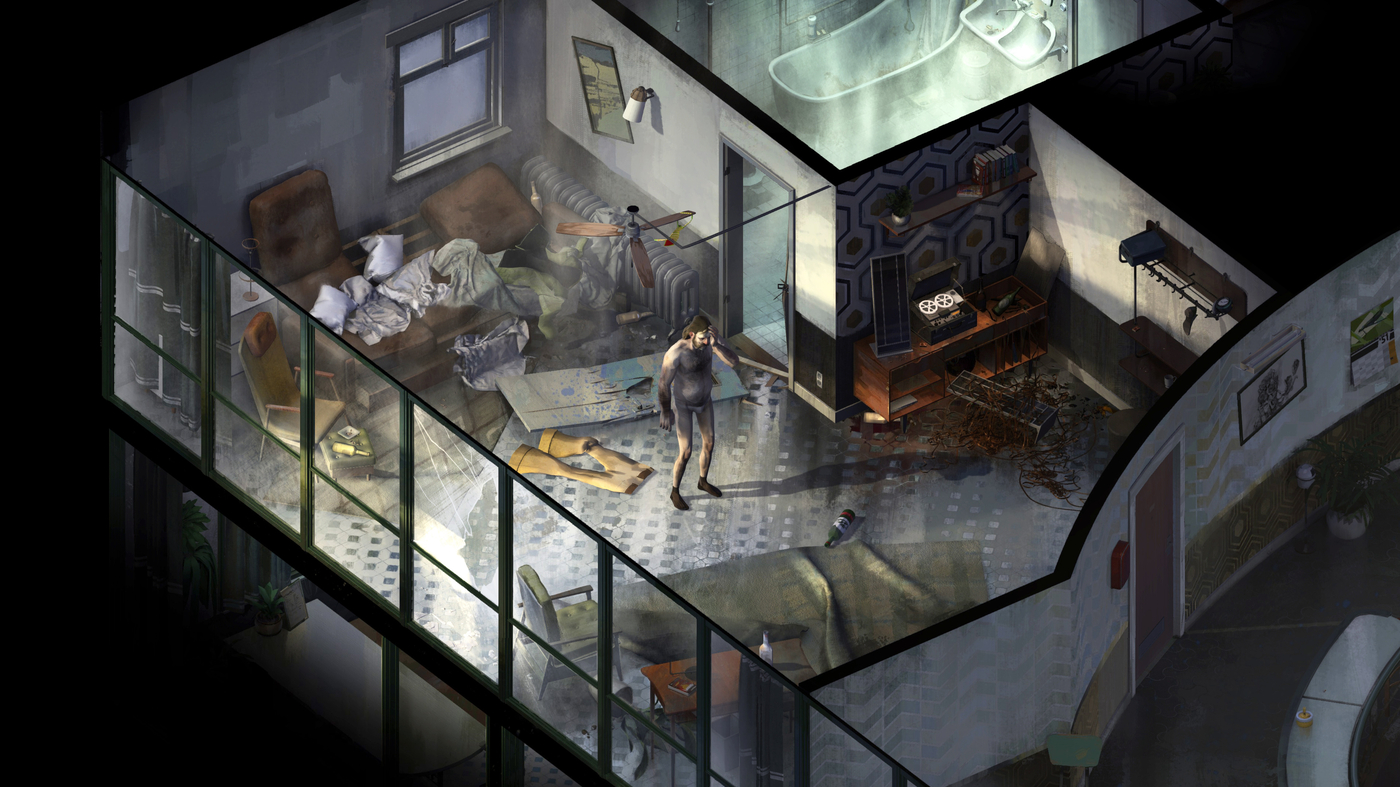
We are 100% sure that you are familiar with all popular video game genres. Some have more mechanics and features, others much less. The more complex your project is, the harder it will be to create animation for it. Let’s start moving up from the simplest projects to the hardest.
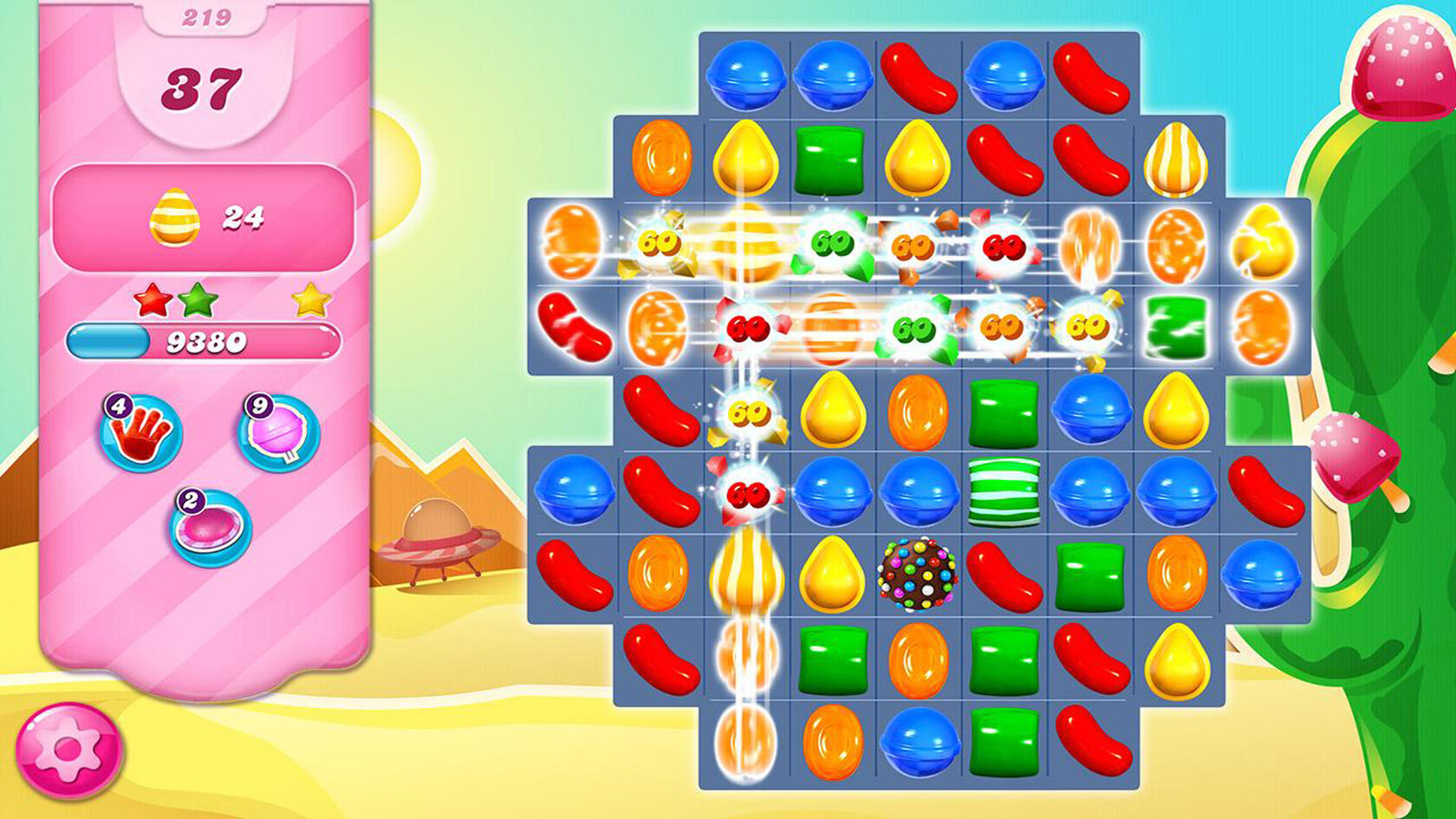
If you’re building a puzzle game, such as Tetris or Candy Crush Saga, your animation needs are about as simple as they come. No characters, no technical choreography — just basic shapes moving around and settling in on the screen. Animators just need to ensure these transitions flow nicely and are visually rewarding. Want to use one that’s got some flair? Simple gameplay can have a bit of dazzle by providing flashy destruction effects, bursts of particles, or a shake of the screen. Even with minimal movement, video games animated in this style can still engage players with satisfying visual effects and smooth transitions.
KEY DIFFERENCES AND UNIQUE ASPECTS OF 2D VS. 3D ANIMATION
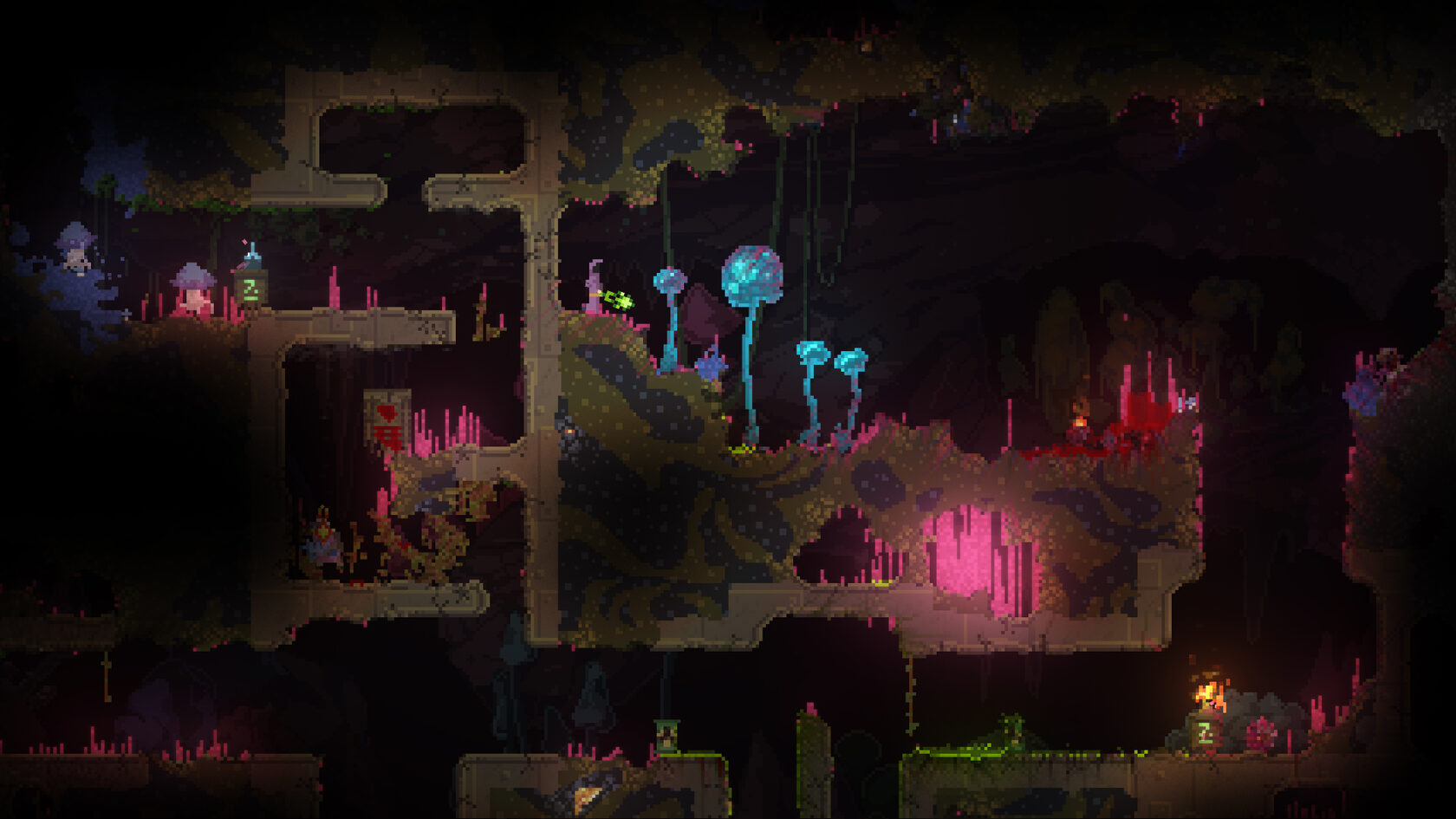
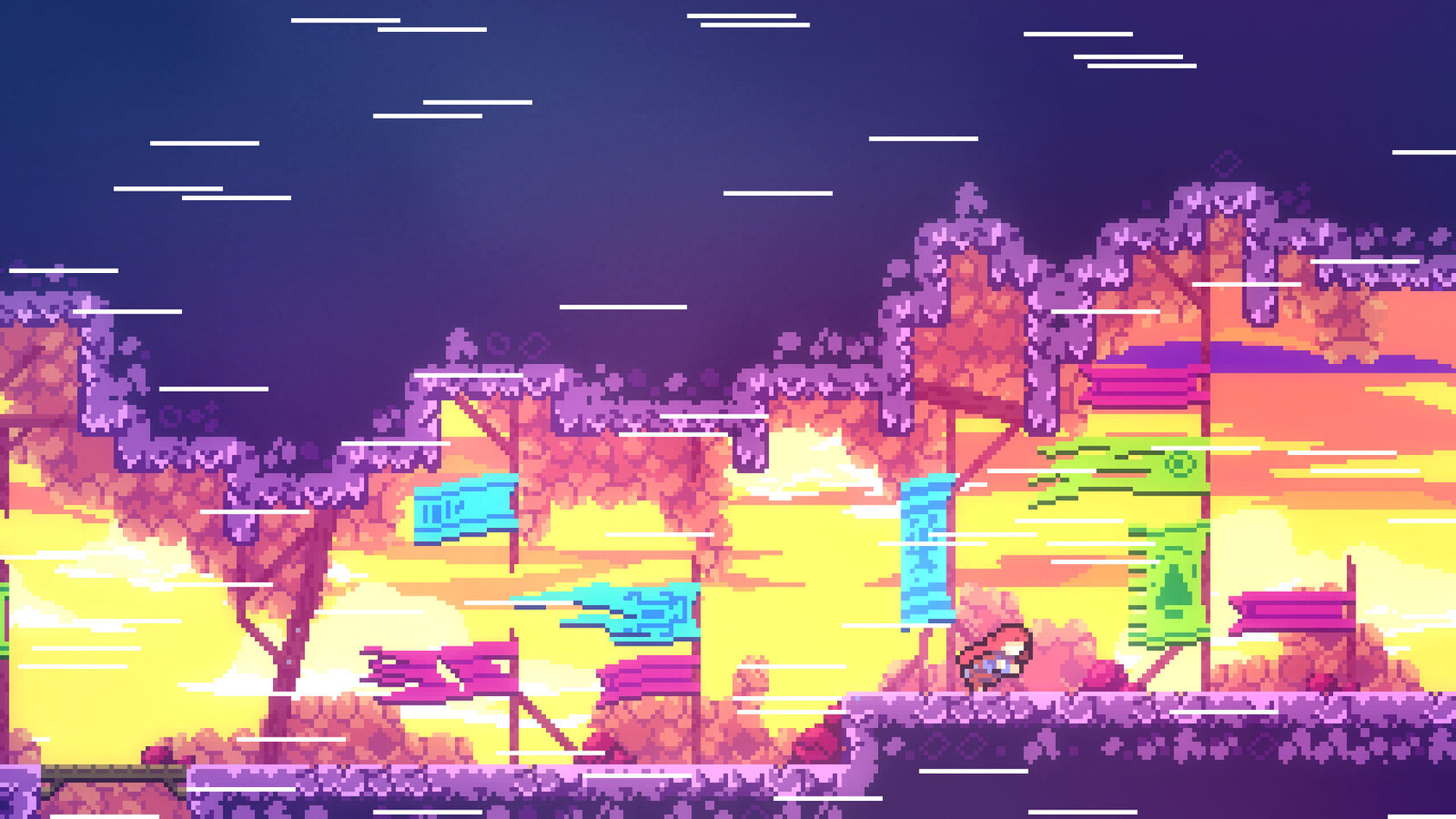
The way we approach character movement animation in a 2D game varies based on the art style. Less motion means each movement is more powerful. We see this with pixel graphics — when there’s less detail on screen, any minute movement pops, so animation gets particularly important.
Also, did you know that even 2D games use a three-dimensional space for scene-building? It helps the game engine determine which sprites appear closer or farther away—just like in classic titles like Doom and Wolfenstein 3D.
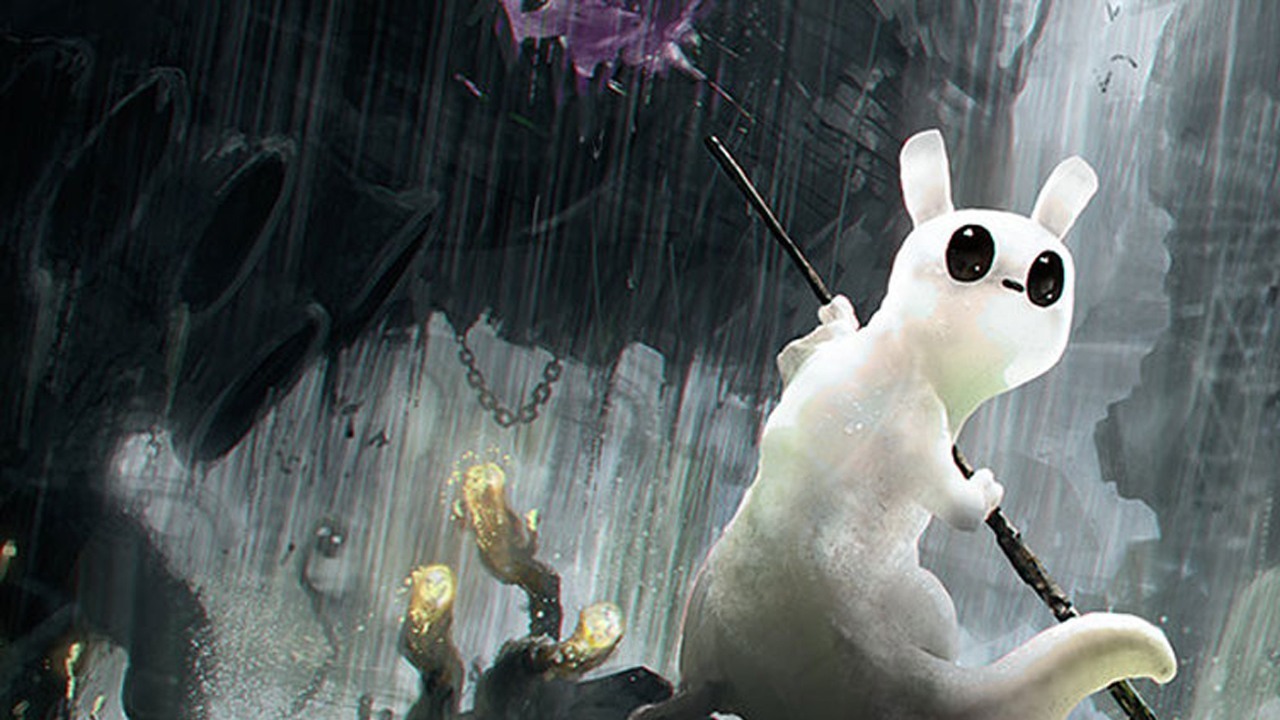
You might be looking for another cool way to do sprites and handle them, procedural animation is the answer. In Rain World, character movement isn’t drawn frame by frame. Instead, a script dynamically repositions key points and bones in a way that would make the character able to interact with physical objects in real-time. This means animators don’t have to painstakingly recreate every little movement, making animations more dynamic and responsive.
TOP ANIMATION SOFTWARE FOR GAME DEVELOPMENT
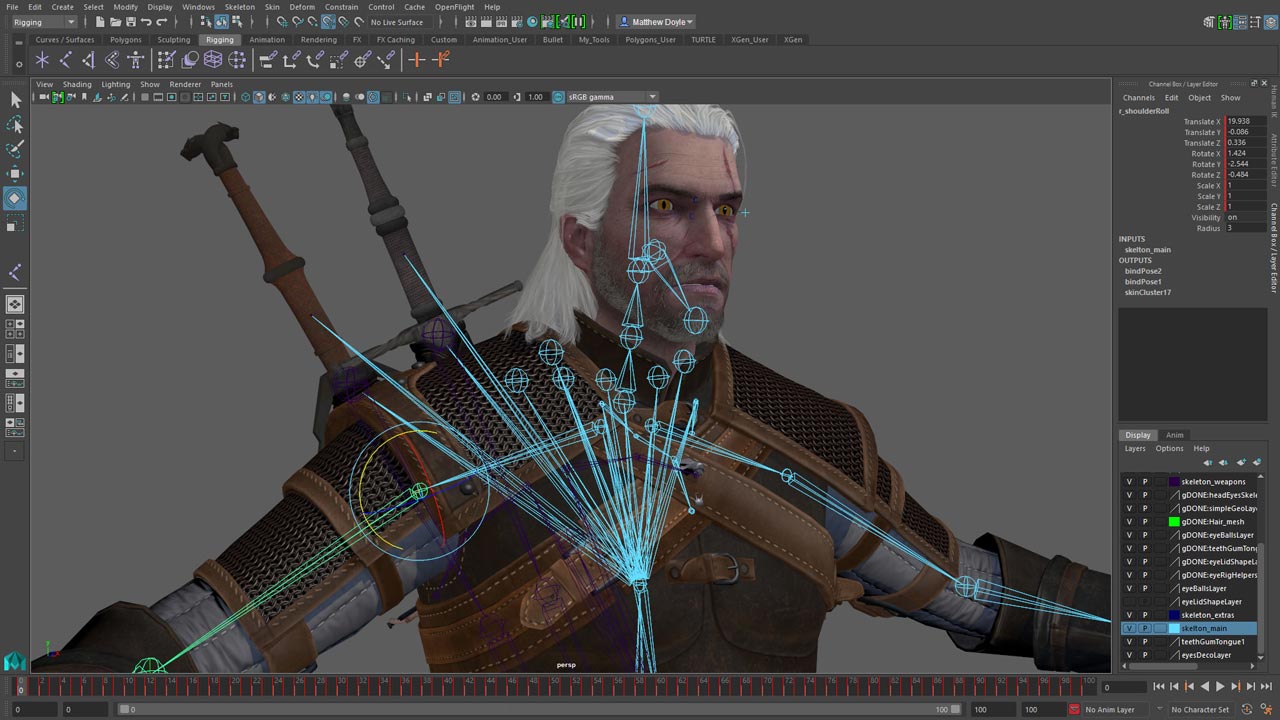
If you would like to create video game animation yourself or form an in-house team of animators, you will need special software. Over the years, the animation niche has advanced and expanded, so both 2D and 3D animation are currently being successfully used. Let us give you a quick heads-up about the most used tools of the trade.
Blender
If you are looking for 3D animation software, there are only a few free comprehensive programs that can satisfy all your needs. One of them is Blender. It was introduced in 1994 and still stays true to its open-source nature—it costs nothing. Blender is the choice of professionals who know what they are doing. It comes with a gigantic arsenal of tools and can be overwhelming for beginners, but its extensive collection of manuals makes the learning curve less extreme.
This software allows one to create both 2D and 3D graphics, works on Windows and Linux, and can perform simple curve modeling and quick renders. For advanced visual effects, Blender has integrated packages with smoke and fluid simulations, tools for modeling soft bodies, and weight calculations.
Adobe Animate
Animate by Adobe is the picklock that opens all doors in the world of animation. However, a picklock without skills and knowledge won’t help you much, so prepare for extensive training. A rookie designer will require dozens of hours to master all the features packed in AA. But an experienced animator who knows Adobe products will create his first animated clip in a matter of hours.
Adobe Animate has a long feature list. The software lets you set framerate, render in any resolution up to 8K, and synchronize your workspace with other Adobe products. It is available on Windows and macOS. The main problem with this amazing software is its price: $20.99 per month.
Autodesk Maya
Animate by Adobe is the picklock that opens all doors in the world of animation. However, a picklock without skills and knowledge won’t help you much, so prepare for extensive training. A rookie designer will require dozens of hours to master all the features packed in AA. But an experienced animator who knows Adobe products will create his first animated clip in a matter of hours.
Adobe Animate has a long feature list. The software lets you set framerate, render in any resolution up to 8K, and synchronize your workspace with other Adobe products. It is available on Windows and macOS. The main problem with this amazing software is its price: $20.99 per month.
Daz Studio
This program impresses with its convenient, user-friendly interface and variety of features for creating and manipulating 3D content. Digital artists praise its extensive functionality, which is great for video game character animation. You will be surprised to hear that it is free to use.
Here are the features we love the most in DS: photorealistic rendering, drag-n-drop editor, powerful modeling tools along with VFX, and the ability to set certain actions on repeat. You don’t have to be a seasoned modeler or animator to start working with Daz Studio. Changing the shape of any object, character, or scene can be done easily after some training. As you grow more proficient with the program, you will be able to add multiple objects and characters to scenes, manipulate their appearance, alter the background, tinker with lightning, and set up multiple cameras.
Toon Boom Harmony
Toon Boom Harmony is one of the top picks for every animator that works in the 2D field. The software comes with all the tools you need to create animated clips in almost any art style. Would you like to go with paper drawing or maybe a paperless style? Here you are. Need puppet animation or traditional skeleton rigging? Not a problem!
The program is universal and efficient for both professionals and rookies. For example, the creators of the well-known animated series Rick and Morty use Toon Boom Harmony for their production. If you need something a bit easier for animation tasks, we recommend you check out Toon Boom Studio.
HOW TO CHOOSE THE RIGHT PARTNER FOR ANIMATION DEVELOPMENT?
If you are planning to do a gaming project and you lack experience in the industry, the first logical step to take is to fill the gap with knowledge. By that, we don’t mean that you should learn how it all works and how animations are done, no. Instead, we suggest you start with a consultation with expert game developers such as Argentics Studio. We will analyze the whole project you have in mind and advise where to start and what technologies to use. Whether you need assistance with quick outsourced jobs or require A to Z development, our managers will find the right solution.
We have experience working with independent developers, gamedev studios, and big publishers, so we know how to conjure mesmerizing worlds, memorable characters, and smooth animation for them. When budgets are limited, it is a common practice to outsource game design, animation, and art production. With us, you can simply select what services you need, and we will take care of the rest.
Years of experience in game development, dozens of talented specialists who love what they do, and an extensive portfolio of works prove that we are capable of doing literally anything for projects of any complexity. Feel free to reach out and consult with our managers at any time!
FAQ
What are the 5 principles of game animation?
The five core principles of video game character animation are:
- Weight and Momentum: Movements should feel natural based on a character’s size and speed.
- Anticipation and Follow-Through: Actions should have proper buildup and completion for realism.
- Exaggeration: Adds impact and clarity, making animations more readable.
- Timing and Spacing: Controls movement speed for fluid and responsive animations.
- Secondary Motion – Small details (like hair swaying or clothes moving) add depth to animations.
What is VFX in games?
VFX (Visual Effects) in video games animated environments enhance realism and immersion. These include explosions, fire, weather effects, magic spells, and environmental destruction. All created using shaders, particle systems, and dynamic lighting.
Can an animator be a game designer?
Yes, but they are different roles. An animator focuses on movement and visuals, while a game designer plans mechanics, level design, and player experience. Some animators transition into design by expanding their skills.
At Argentics Studio, we bring passion, expertise, and cutting-edge technology to every project. Whether you need high-quality animations, concept art, or full-cycle game development, we’ve got you covered. Let’s turn your vision into an immersive gaming experience