As the mobile game market continues to expand and gain popularity, downloads are reaching record highs thanks to many active users. The industry is estimated to generate an astonishing $98.74 billion globally by the end of 2024.
What is a Game Engine? Understanding the Core of Gaming Technology
A game engine, or gaming engine, is a software development program or environment primarily designed for creating video games. Its utility has expanded beyond gaming. It can be used in media and entertainment, such as:
- virtual effects;
- visualization;
- collaboration and various other purposes.
Each rendering engine used in developing early video games was created specifically for that particular game. Video game engines changed over time, moving from proprietary, in-house engines to today’s generally accessible commercially built engines. Nowadays, game creators use commercially produced game engines to create new games or expand old games to new platforms, which helps to streamline and expedite game development. This skill is in great demand among game creators.
What Does a Game Engine Do?
Video game engines come with various visual development tools and reusable software components. These tools are bundled together in an integrated development environment, making game creation faster and easier. Developers aim to predict creators’ needs by providing complete software packages, which include:
- graphics;
- sound;
- physics;
- AI functions, etc.
These game engines are often referred to as “middleware.” Similar to businesses, they offer a reusable and adaptable software platform with all the components required to begin creating games. In the very competitive video game industry, this helps lower costs, complexity, and time to market.

Components of a Game Engine
Video game engines must install certain features to build games correctly and guarantee smooth development.
Input Handling
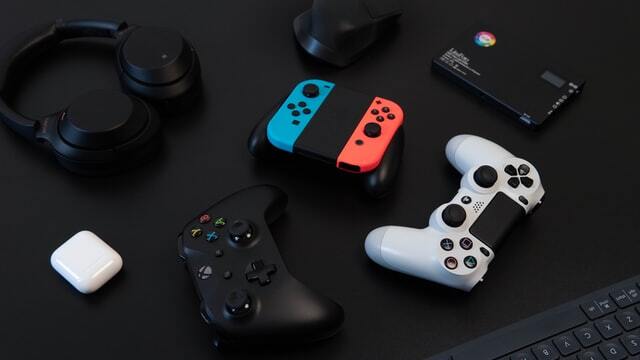
This includes gadgets that will record the player’s movements so that the game can be played. Game engines must facilitate the use of input devices such as joysticks, gamepads, and mice.
There are two ways the game engine processes input:
- Input events: The computer triggers a custom code when it recognizes the player’s actions.
- Input polling: this method logs positional data, including a controller’s tilt.
Graphics Rendering
A graphics engine, often called the rendering engine, renders the game’s graphics in 2D or 3D. To properly sell the immersion of the game graphics, a gaming engine can deliver many artistic features, including:
- bump maps;
- lighting effects;
- shadows;
- blending animation.
The visuals of a game are essential to its overall aesthetic
Physics Simulation
The physics engine simulates physical interactions within the game world. This includes:
- velocity;
- acceleration;
- fluidity;
- projectile motion.
This is significant since the movement would seem weird and unnatural without the physics gaming engines offer.
Audio Management
As the name suggests, the sound engine controls a game’s sound. The technology used by the game engine includes audio files in the code that are triggered by particular actions taken during gameplay.
Scripting and Logic
This component implements game logic using scripting languages or visual scripting tools. This includes controlling character behavior, managing game state, handling game events, and scripting AI behavior.
Asset Management
The game engine organizes and manages game assets such as models, textures, animations, audio files, and scripts. This includes efficiently importing, storing, and accessing assets during development and runtime.
Optimization and Performance
Mentioned component optimizes game performance by:
- managing system resources;
- implementing rendering techniques like culling and LOD (Level of Detail);
- providing debugging and profiling tools to identify and resolve bottlenecks.
Networking
Networking in games allows players to engage in multiplayer experiences by facilitating communication, synchronizing the game’s progress, and incorporating features like matchmaking, peer-to-peer connections, and client-server setups.
Cross-Platform Support
With minor modifications to its codebase, this component enables games to run on various platforms, including PCs, consoles, mobile devices, and VR/AR. Compatibility testing and platform abstraction are necessary to ensure consistent performance across multiple devices.
Integration with External Tools
Developers can easily collaborate across different software tools by connecting with external applications like 3D modeling, animation, and audio editing software. This makes it smoother to create assets and manage workflows.
AI Functions
In game engines, AI functions take charge of game mechanics and the behavior of non-player characters (NPCs), enabling them to act independently, strategize their movements, and engage in combat. While certain engines adjust difficulty levels in response to player performance, others utilize machine learning to enhance NPC behavior over time. Integrating AI in game engines enhances gameplay by creating more lifelike and adaptive NPC actions.
All components play a crucial role in video game development, contributing to its visual appeal, realism, interactivity, and overall user experience.
Exploring Game Engine Options
With many different types of game engines available, each with its features, choosing the right one can be overwhelming. Here, we’ll examine the top ten game engines.
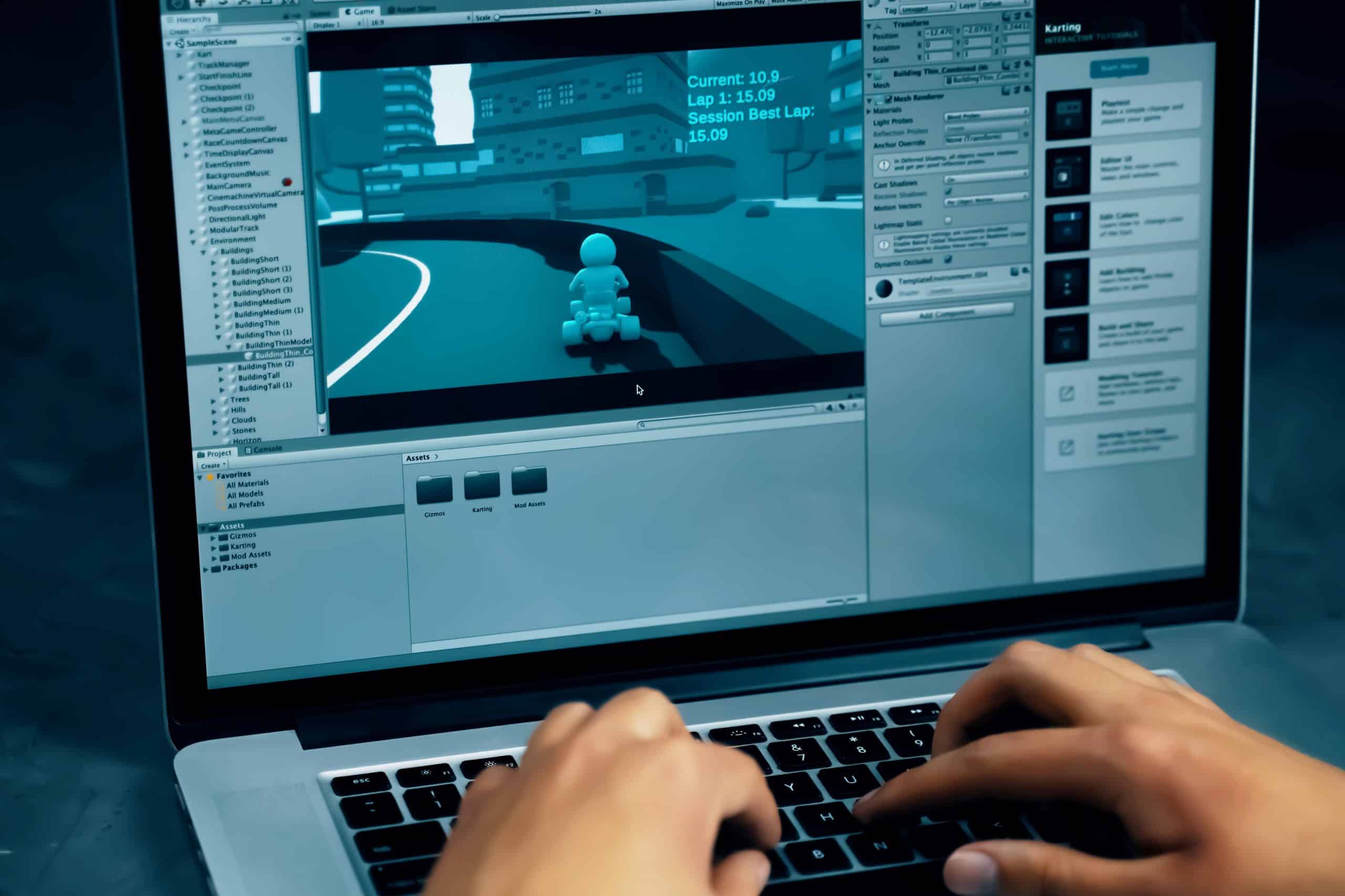
Unity
Famous for its versatility, Unity helps game developers create complex 2D and 3D games with its robust physics engine and shader capabilities. It appeals to a wide range of developers, from indie studios producing titles like “Hollow Knight” to major hits such as “Pokémon GO.” With its robust scripting API and effective rendering system, Unity remains a preferred platform for game creation.
Unreal Engine
Epic Games’ Unreal Engine stands out with its advanced:
- rendering pipeline;
- dynamic lighting system;
- scalable architecture.
Unreal Engine is highly trusted by AAA studios globally for its ability to craft visually breathtaking environments, thanks to its high-quality graphics and real-time ray tracing. Legendary games like “Fortnite,” “Gears of War,” and “BioShock Infinite” demonstrate the exceptional capabilities of Unreal Engine in the gaming industry.
Godot Engine
Godot Engine, driven by open-source collaboration, offers a lightweight yet robust framework ideal for games featuring advanced physics and dynamic lighting effects. Renowned for its efficient memory handling and modular structure, Godot has powered titles such as “Hyper Light Drifter” and “Heartbeat.”
CryEngine
CryEngine, renowned for its visual prowess, sets a high standard with cutting-edge rendering techniques like real-time global illumination and volumetric fog. Games like “Crysis,” “Ryse: Son of Rome,” and “Star Citizen” exemplify CryEngine’s ability to deliver stunning graphics and immersive gameplay experiences.
Godot Engine
Godot Engine, driven by open-source collaboration, offers a lightweight yet robust framework ideal for games featuring advanced physics and dynamic lighting effects. Renowned for its efficient memory handling and modular structure, Godot has powered titles such as “Hyper Light Drifter” and “Heartbeat.”
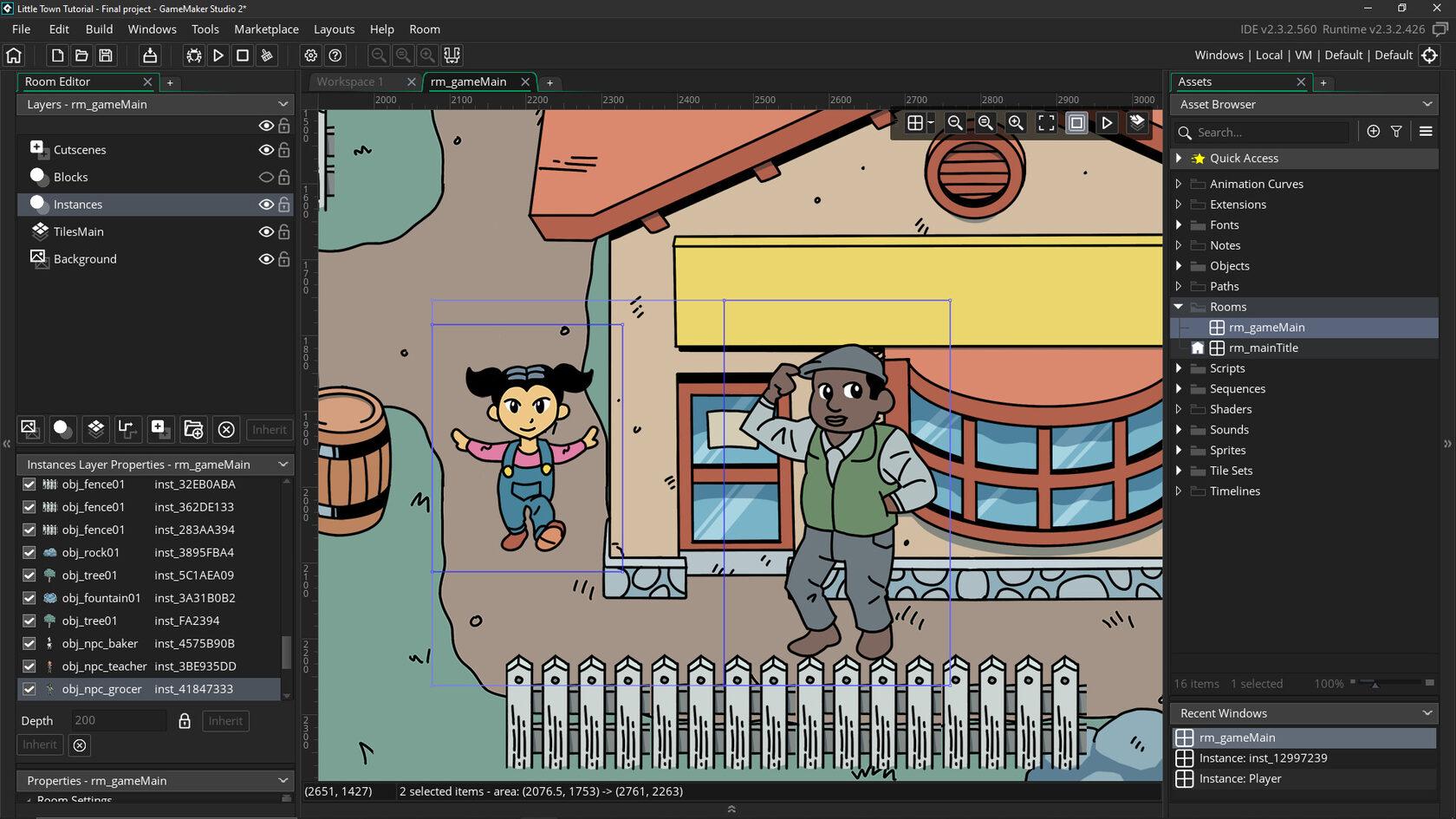
GameMaker Studio
GameMaker Studio provides a robust game development environment through its user-friendly drag-and-drop interface and powerful scripting language. Its efficient sprite batching and collision detection algorithms simplify graphic handling and interactions, making it ideal for effortlessly creating hit titles like “Undertale,” “Hotline Miami,” and “Hyper Light Drifter.”
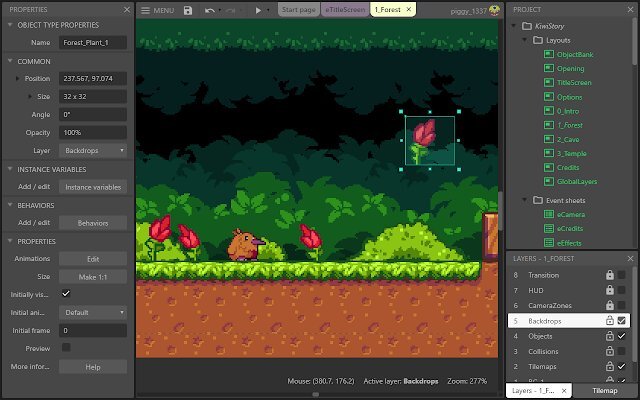
Construct
Construct provides a game development method without requiring coding, which is helpful for developers who prefer visual programming. Its event-driven structure and support for plugins allow for quick testing and improvements during game creation. This flexibility makes it a good choice for developing games like “Hollow Knight: Silksong” and “198X.”
Phaser
Phaser is a tool that helps web developers create games quickly and with great quality in web browsers. It utilizes effective technology to generate visuals quickly and smoothly and supports WebGL. Phaser is a top option for browser-based games like “Idle Miner Tycoon” and “GeoGuessr,” which depend on fluid gameplay and interactivity because of its modular design, which makes it simple for developers to alter and increase its capabilities.
Amazon Lumberyard
Amazon Lumberyard integrates with Amazon Web Services (AWS), providing scalable multiplayer networking and cloud computing capabilities. This integration helps to handle large numbers of players and create dynamic content for online games.
Lumberyard utilizes advanced networking protocols and server infrastructure to ensure smooth gameplay experiences. Games like “New World” and “Crucible” demonstrate Lumberyard’s capability to deliver massive online experiences with high player counts.
RPG Maker
RPG Maker provides everything needed to create RPGs, including a system where events drive the game’s progression and a wide selection of assets to use. Its tile-based map editors and sprite animations make it easy for developers to design immersive worlds and characters.
Developers can use these tools to design complex gameplay mechanics and exciting stories featured in games like “To the Moon” and “Lisa: The Painful RPG.” Game creators can now animate their RPG ideas using RPG Maker even without sophisticated programming knowledge.
Frostbite Engine
The Frostbite Engine is a powerful tool used to create popular games such as “Battlefield,” “Star Wars Battlefront,” and “FIFA.” This engine offers exceptional visuals and immersive gameplay experiences through its real-time rendering and dynamic weather systems. Game developers use Frostbite to craft realistic and engaging worlds that captivate audiences.
Now that you’ve seen the options, the next step is to decide which best suits your project. The following section will discuss the key factors you should consider when making this decision.
How to Choose a Game Engine: Things to Consider
Choosing a good game engine is crucial in game development, shaping the game’s capabilities, limitations, and overall trajectory. Several factors come into play when making this decision:
- Project Requirements: The engine choice should be guided by the project’s type and size. For instance, a simple 2D mobile game would require different engine capabilities than a more complex 3D console game.
- Platform Compatibility: To ensure smooth development and deployment, it’s crucial to choose an engine that supports the target platform, whether it’s mobile, console, or PC.
- Budget Constraints: Game engines vary significantly in cost, ranging from free options to those requiring revenue sharing or subscription fees. It’s important to consider budget constraints to maintain financial sustainability during development.
- Developer Skill Level: While some engines offer accessible entry points for beginners, others have steep learning curves and are better suited for seasoned specialists. Efficient development requires matching the team’s expertise level with the engine’s complexity. Furthermore, there are differences in the availability of game developers. For example, Unreal Engine and Unity have big user communities, which facilitate the search for qualified experts and resources for these tools.
You can select a game engine that best suits your project goals and resources by carefully considering these aspects.
Pros and Cons of Popular Engines for Game Development and Prototyping
Starting game development requires a solid prototype. Each engine has its strengths and weaknesses. Let’s explore the factors game studios should consider when choosing between Unreal Engine, Unity, Godot, Construct, and GameMaker for prototyping.
Unreal Engine Game Development
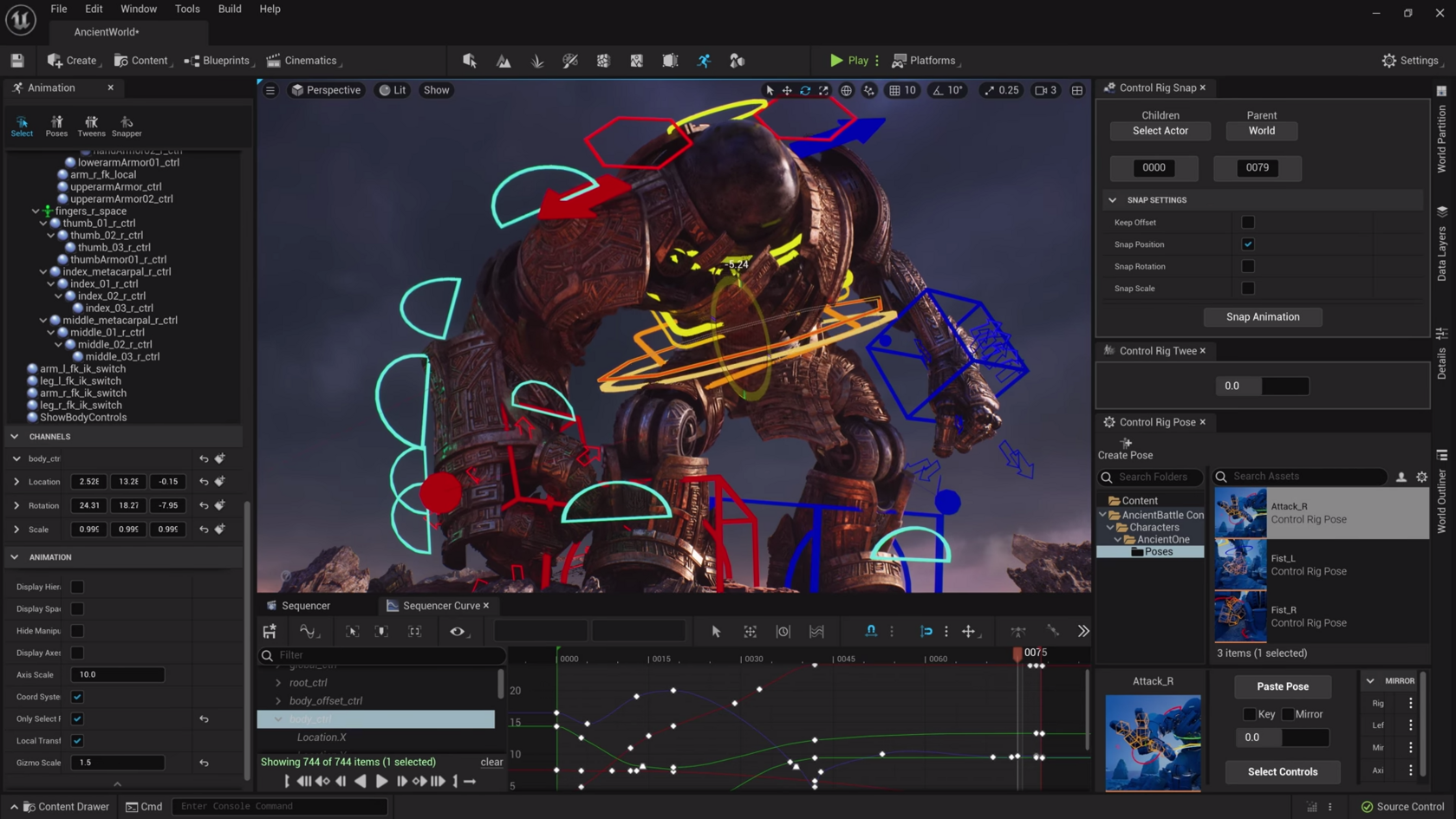
Unreal Engine is a powerhouse in the gaming world, known for its stunning graphics and lifelike visuals. It’s a go-to choice for developers, offering a wealth of assets, tools, and plugins, including models, textures, animations, and audio assets.
Unreal Engine (powered by Epic Games) also supports indie game development. Initiatives such as this one were created to ensure that projects using Unreal Engine can be completed and released successfully by independent developers or small teams who may not have large budgets at their disposal. Through the Epic MegaGrants program, they provide financial support to projects using Unreal Engine, helping indie developers turn their ideas into reality.
Unity Engine Game Development
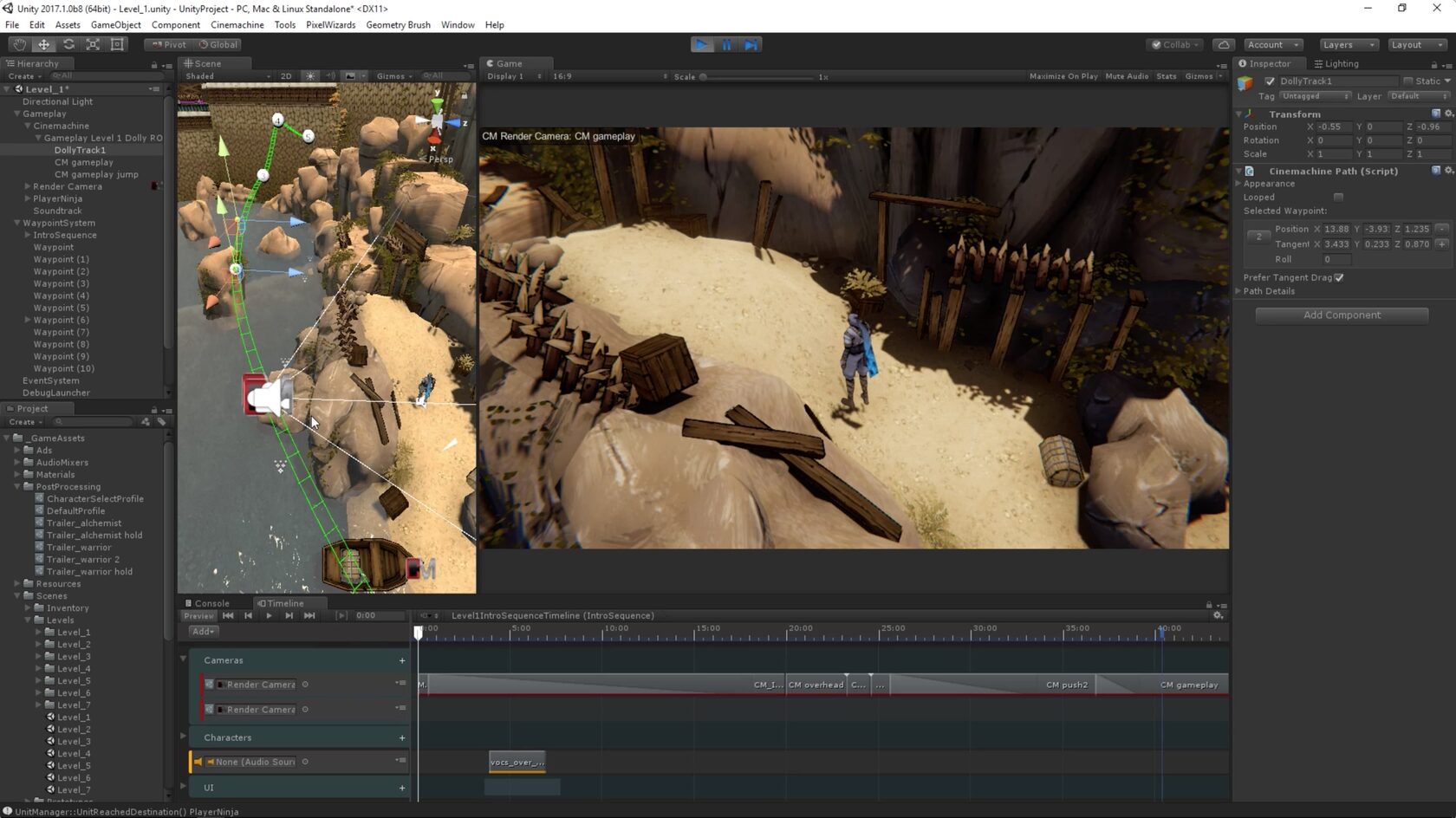
Unity has all the tools you need for game development. It includes a powerful engine, asset store, cloud service, and monetization tool. Unity Asset Store is a vast marketplace where developers can find different assets to improve their projects, such as models, scripts, shaders, plugins, etc.
With Unity being widely used on PCs, consoles, mobile devices, AR/VR, and the web, it has become very versatile for developers who want to target multiple platforms. In addition, they have programs like Unity for Humanity that actively support indie developers while providing resourceful tutorials so anyone can quickly learn how to use this software.
Godot Engine for Prototyping
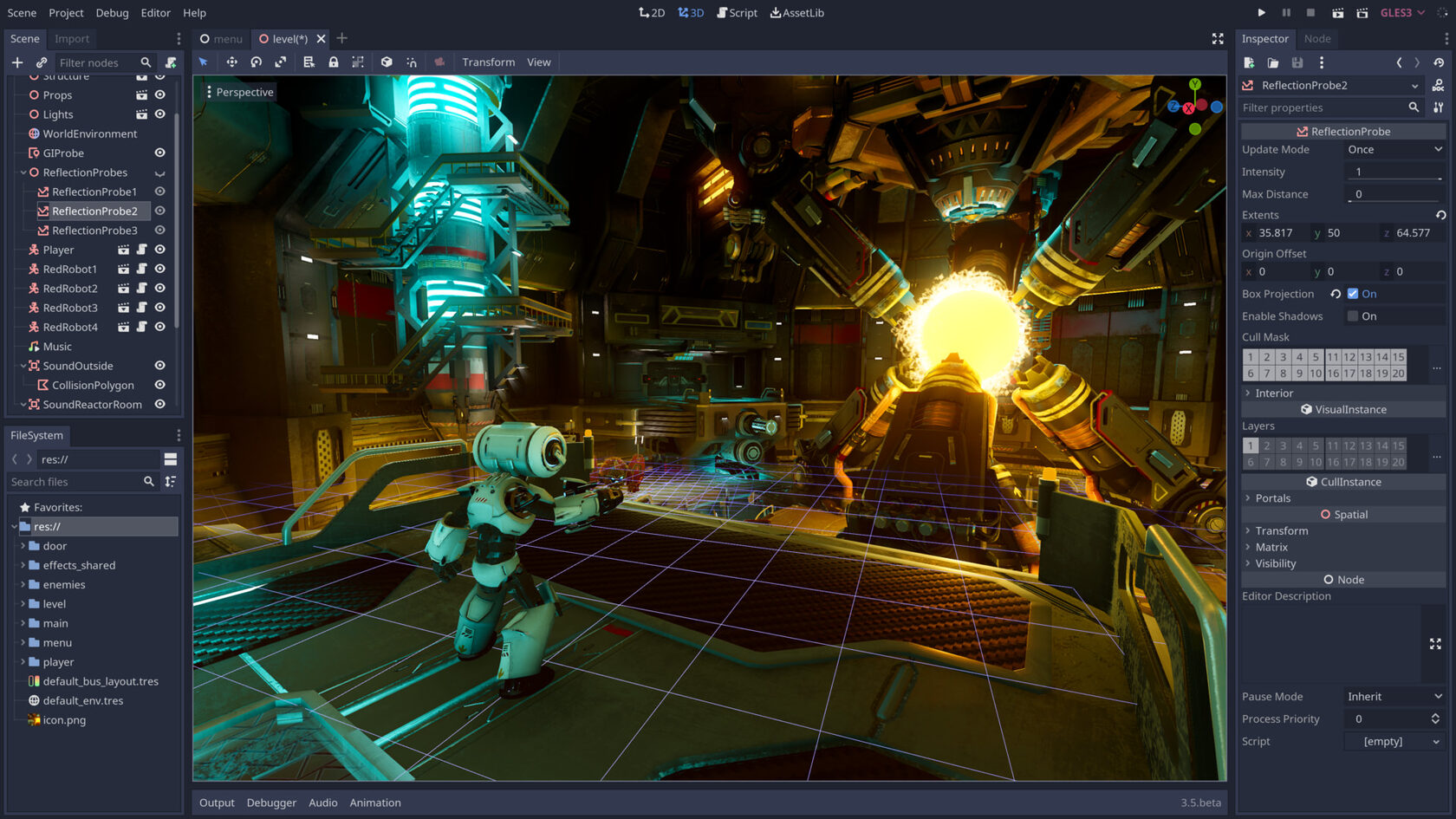
Godot Engine stands out for its simplicity, adaptability, and user-friendly interface, making it a favored option among indie developers and enthusiasts. It utilizes GDScript, a scripting language akin to Python, which is renowned for its simplicity and is especially beneficial for newcomers to programming.
Godot Engine is free and open-source; therefore, developers do not need to pay royalties or subscription fees. This policy makes the tool more available to people of different occupations and lives. Godot community supports developers by sharing resources, forums, Discord channels, and conference attendance.
Construct and GameMaker
Construct provides a fast game prototyping and development environment. Its main features are an intuitive drag-and-drop interface and visual programming. This comes with many templates, behaviors, and plugins that can be used across different types of games, such as platforms or puzzles.
Construct is widely used by hobbyists, teachers, and indie developers. Consumers can quickly prototype their ideas using Construct or even easily make a complete game, and they do not require any prior coding experience.